Dashboard and PR flow
Dashboard is the page a window opens on. PR flow, under Delivery, is the same delivery numbers in full. How each number is worked out is in the Metrics glossary.
The window
Section titled “The window”Both pages follow the Window menu in the toolbar: Last 7, 14, 30 or 90 days, or this or last month, quarter or year. Changes are shown against the period before, and a page says “No history for … yet” when Gannin hasn’t fetched that far back. See Metrics glossary for what the period before means.
Dashboard
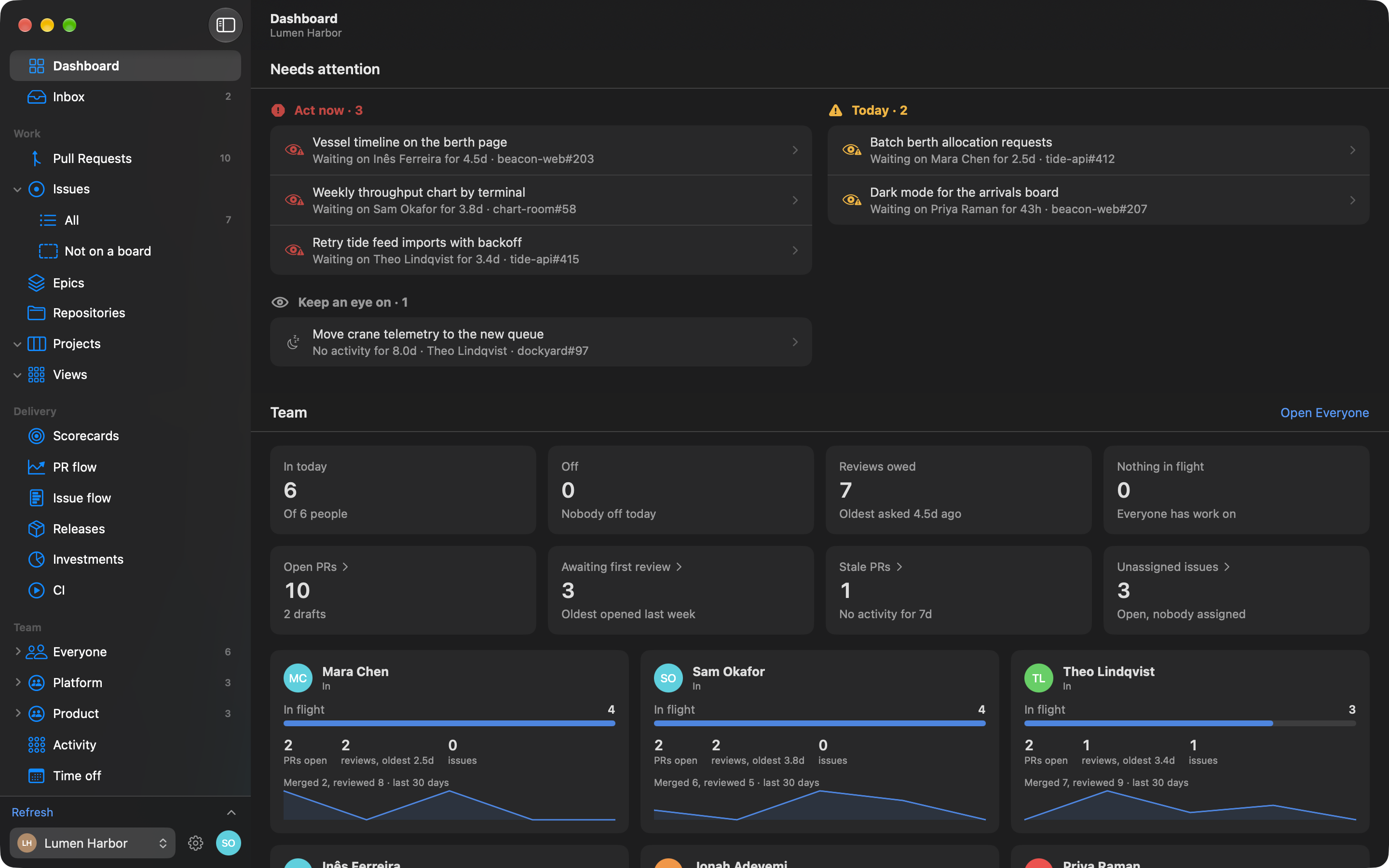
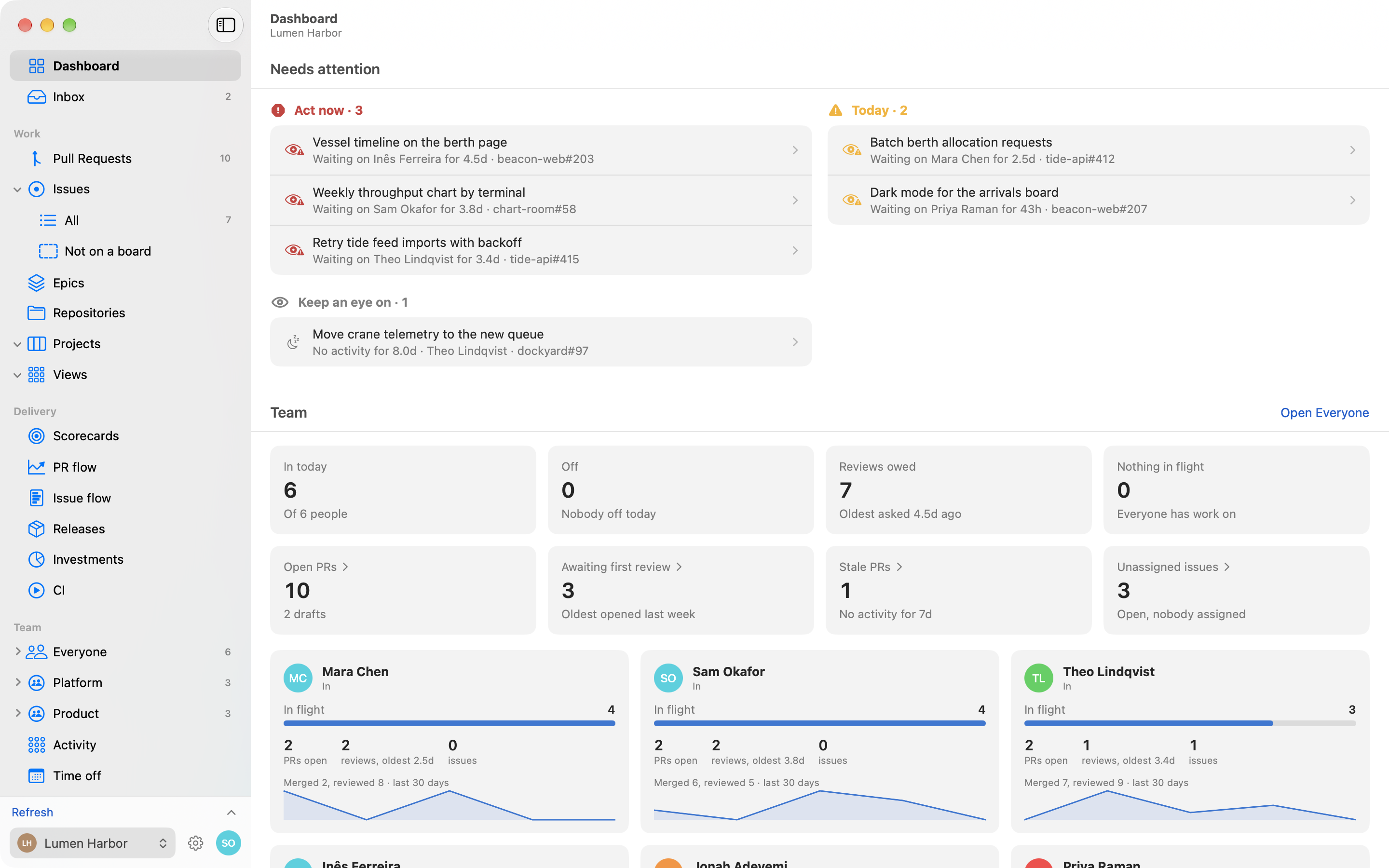
Section titled “Dashboard”Four sections, each with a header that links to the page it summarises.
- Needs attention. Items ranked into Act now, Today and Keep an eye on, in two columns. Each opens what it’s about. If nothing needs attention, it says so.
- Scorecards. A tile per goal, judged on its last whole period, with a sparkline over the window. Open Scorecards for the detail.
- Team. Tiles for who’s in and who’s off, reviews owed, who’s free, and open, awaiting review, stale and unassigned PRs. Below is a card per person: today’s status, their load against the busiest person, PRs, reviews owed, issues, and what they merged and reviewed in the window.
- Flow. Open PRs by stage (draft, waiting for review, in review, changes asked, approved) with a count, the median time there and the oldest, then what merged in the window.
PR flow
Section titled “PR flow”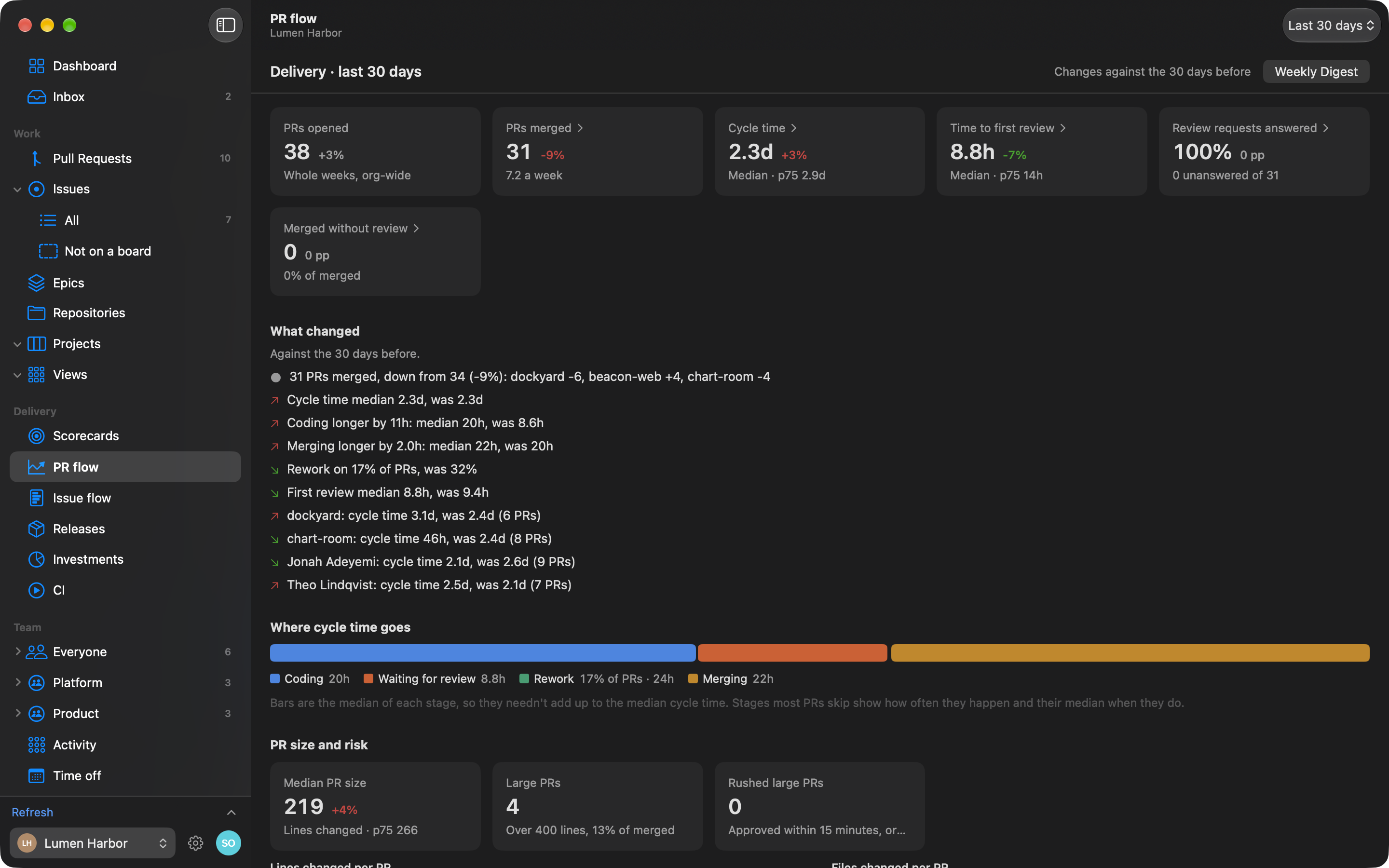
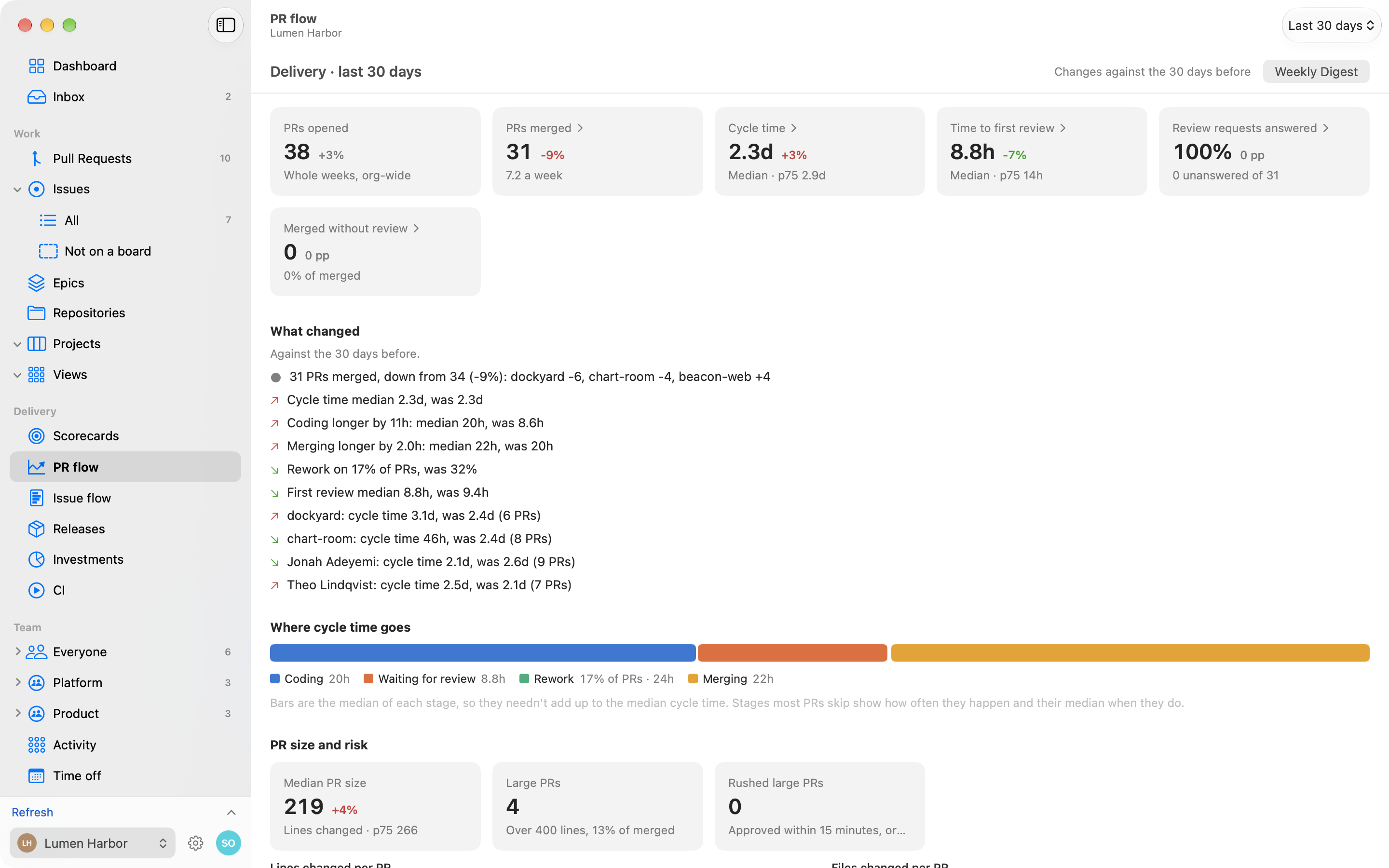
PR flow opens with tiles for PRs opened, PRs merged, cycle time, time to first review, review requests answered and merged without review, each with the change on the period before. Below them:
- Goals, if you’ve set any in Goals settings, as “N of M on track”.
- What changed: which stages, repos and people moved cycle time and throughput since the period before. It says “Nothing moved much” when that’s true.
- Where cycle time goes: the stages of a PR.
- PR size and risk: size by repo, large PRs, and large PRs approved in a rush or never reviewed.
- Charts such as PRs per week and median cycle time per week.
A Weekly Digest button in the PR flow header (not on the Dashboard) writes the week up. See Weekly Digest.
Drilling in
Section titled “Drilling in”Tiles, stage legends, chart weeks and table rows open the PRs behind the number. Hover a chart week for its values and click it to see its merged PRs.
When you pick a team, the delivery numbers are scoped to PRs authored by that team. PRs opened is org-wide and ignores it.